How to Install Ooops SEO Checker
Step-by-step install guide in English — download, unzip, Load unpacked, start free trial.
- Click Download Free Extension on the website.
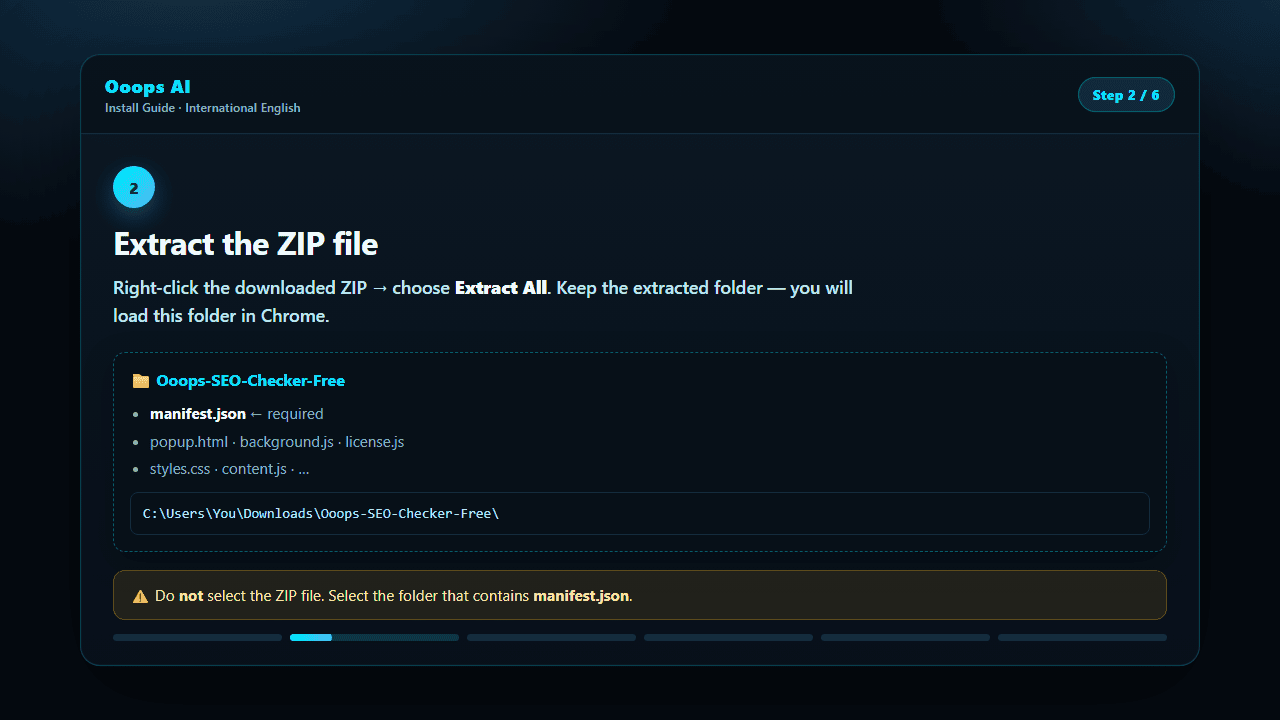
- Right-click the ZIP → Extract All.
- Open Chrome and go to
chrome://extensions. - Turn Developer mode ON (top right).
- Click Load unpacked and select the extracted folder (must contain manifest.json).
- Pin Ooops SEO Checker and start your free trial (25 domains).
⚠️ Do not select the ZIP file. Select the unzipped folder that contains manifest.json.